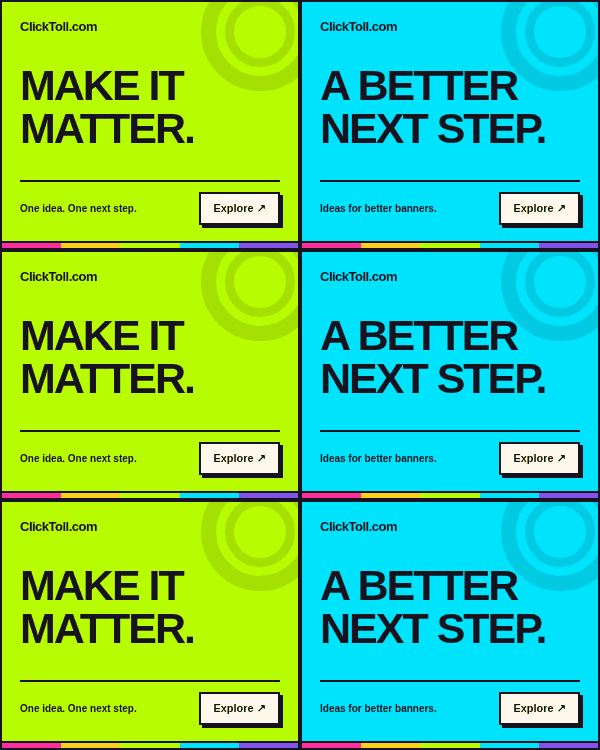
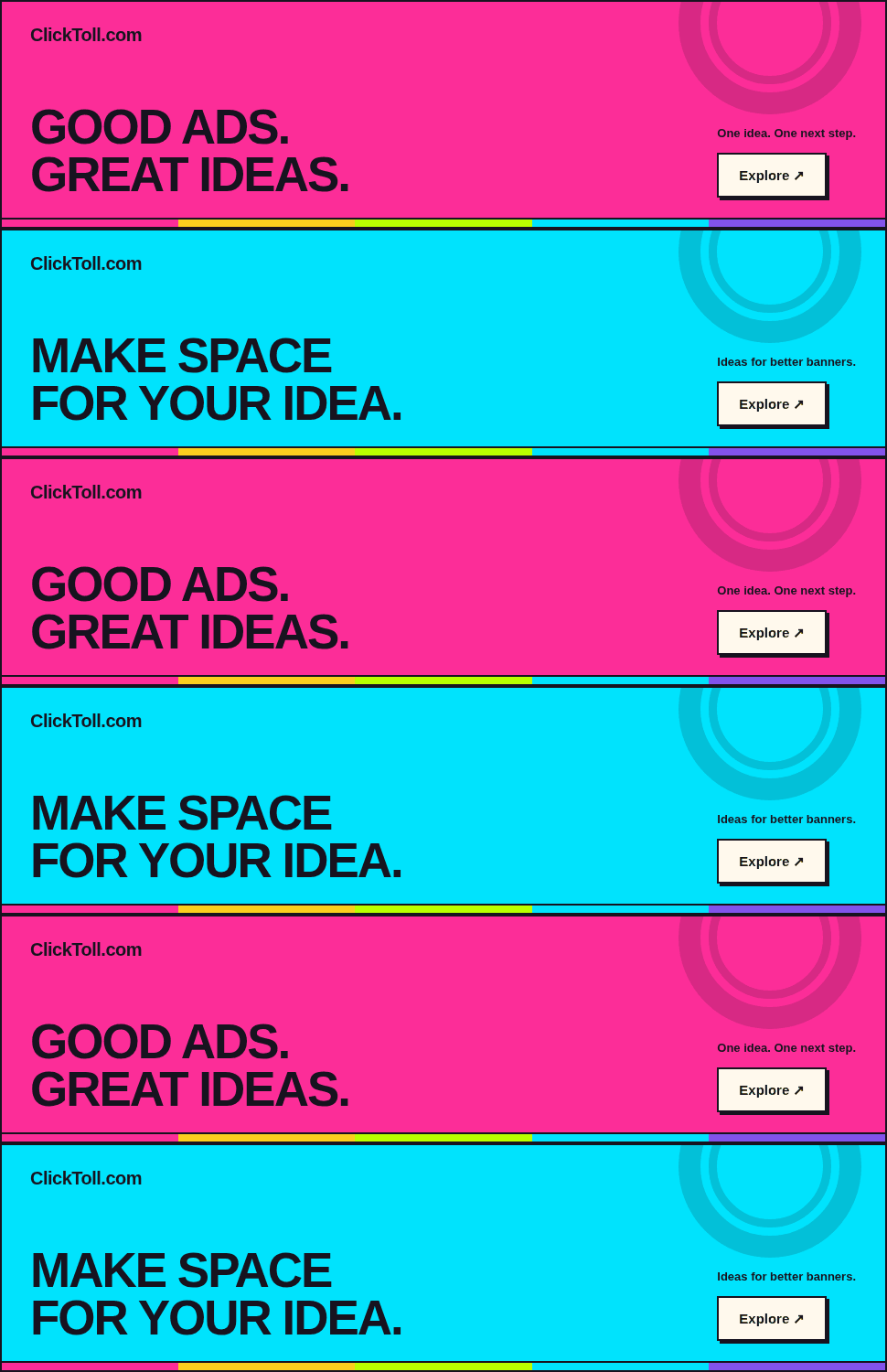
Medium rectangle
300 × 250Exact 300 px wide × 250 px high, including the border. No resizing. Scroll the preview when needed.
A near-square composition for a clear headline, a recognizable visual, and one next step.
Size guide + source code ↗Banner ads | Ad sizes | Display advertising | Adtech | Affiliate marketing | Lead generation
The creative lab / Animated ad ideas
Real animated GIF banner examples in all nine sizes, paired with editable CSS versions. Inspect native-size units, control playback, and download each file at its exact dimensions.
Nine sizes / Two real formats
Every example below is displayed at its exact pixel dimensions. Switch between CSS and GIF, then press Play. Both versions use the same three-scene creative and finish after 18 seconds.
Exact 300 px wide × 250 px high, including the border. No resizing. Scroll the preview when needed.
A near-square composition for a clear headline, a recognizable visual, and one next step.
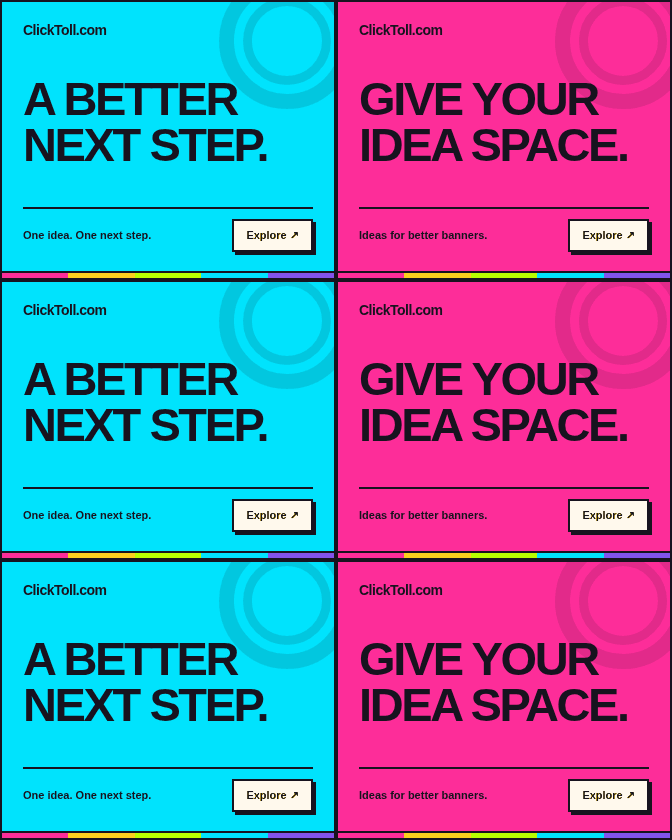
Size guide + source code ↗Exact 336 px wide × 280 px high, including the border. No resizing. Scroll the preview when needed.
A slightly larger rectangular composition for an offer that needs a little more breathing room.
Size guide + source code ↗Exact 728 px wide × 90 px high, including the border. No resizing. Scroll the preview when needed.
A wide, shallow canvas that calls for concise copy and a deliberate left-to-right reading order.
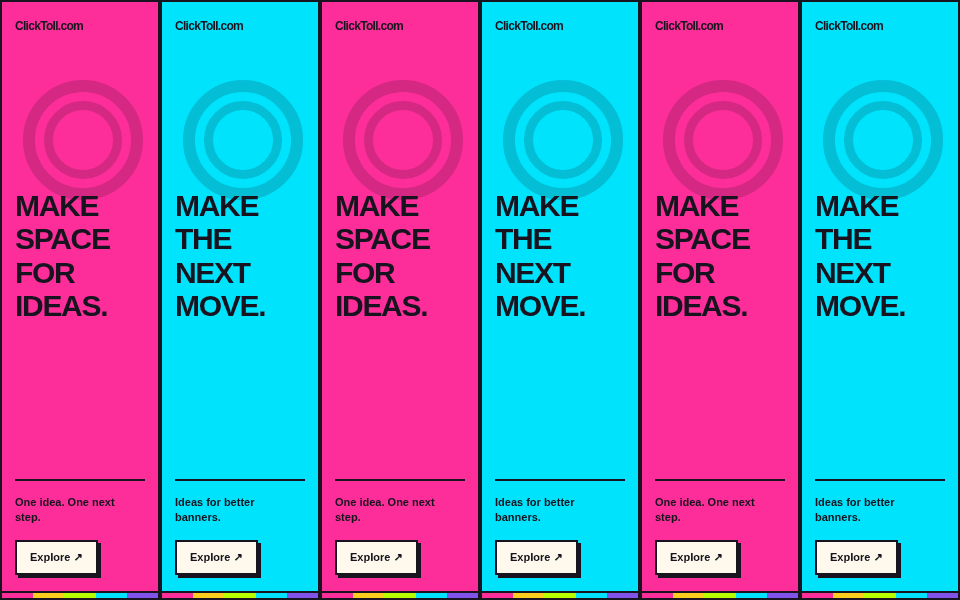
Size guide + source code ↗Exact 160 px wide × 600 px high, including the border. No resizing. Scroll the preview when needed.
A tall, narrow canvas for short lines, strong contrast, and a readable vertical hierarchy.
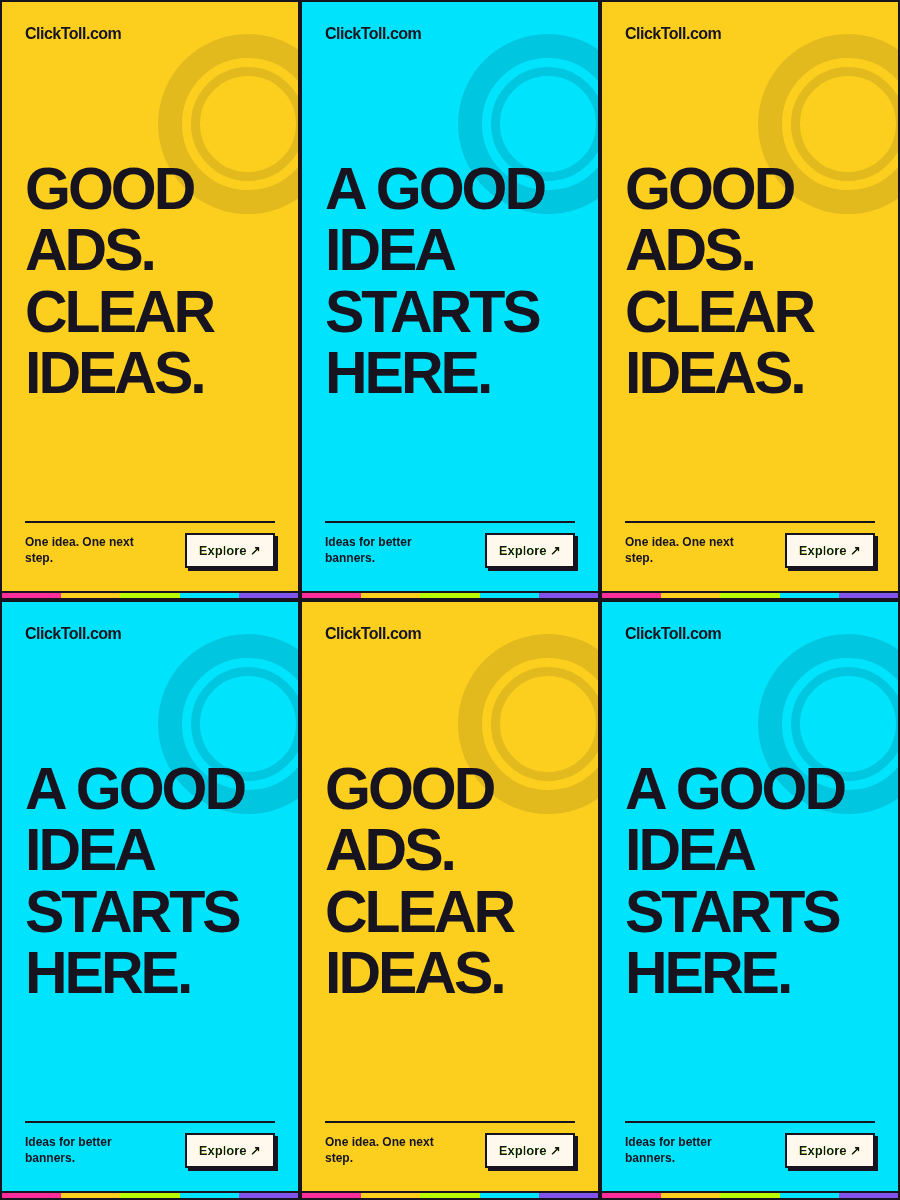
Size guide + source code ↗Exact 300 px wide × 600 px high, including the border. No resizing. Scroll the preview when needed.
A roomier vertical format for a composed sequence of brand, promise, proof, and action.
Size guide + source code ↗Exact 970 px wide × 250 px high, including the border. No resizing. Scroll the preview when needed.
A broad, substantial canvas for a short headline, one visual idea, and a clearly signposted destination.
Size guide + source code ↗Exact 320 px wide × 50 px high, including the border. No resizing. Scroll the preview when needed.
A compact mobile canvas that favors a short promise and unmistakable brand recognition.
Size guide + source code ↗Exact 300 px wide × 50 px high, including the border. No resizing. Scroll the preview when needed.
A narrow mobile strip for a very concise message, delivered at the exact requested dimensions.
Size guide + source code ↗Exact 320 px wide × 100 px high, including the border. No resizing. Scroll the preview when needed.
A taller mobile banner with space to separate the main message from its supporting brand and action.
Size guide + source code ↗The final frame should communicate the brand, promise, and next step without depending on the viewer having watched every earlier frame. Someone may encounter the creative partway through a sequence or use a static fallback.
Use a sequence to clarify one idea rather than to squeeze several unrelated claims into a small canvas. Keep the reading time practical and avoid rapid flashing or continuous distraction. Review the message at normal display size.
These are real GIF image files, not HTML frames pretending to be GIFs. Each file’s encoded dimensions match its label, and the CSS companion uses the same-sized border box. Use the GIF download directly as an image, or adapt the HTML/CSS source for a web placement. The platform-specific delivery checklist still applies.
Google’s uploaded display-ad specifications include specific limits for animated GIF length, looping, and frame rate. Other destinations can use different requirements. Confirm the current rule for your actual creative type instead of assuming one limit applies everywhere.
The previews start still. Select CSS or Animated GIF and press Play to start an 18-second sequence. Stop replaces the animation with its final frame; playback also stops when the page is hidden. Reduced-motion preferences keep the on-page examples still, while the original GIF file remains available to download.
Compare a static message with a motion concept only under a suitable campaign test design. Keep the underlying offer and destination clear, define the primary outcome, and avoid claiming that movement alone guarantees better results. The testing field note explains how to turn that idea into a focused question.
The Hoppr.Creatives GIF collection contains actual GIF creative assets. The banner-boi repository demonstrates a multi-size HTML5 workflow with GIF backup previews. These are external references; the files supplied here are original ClickToll creatives, not copies of third-party campaign artwork or repository code.