Banner advertising for beginners: from brief to launch
Start with a clear offer, choose a practical format set, and connect every click to a campaign you can evaluate.
Read the field noteBanner ads | Ad sizes | Display advertising | Adtech | Affiliate marketing | Lead generation
The ad internet, explained
Big ideas. Small rectangles. A colorful reference desk for banner ads, adtech, affiliate marketing, and the next step after the click.

01 / The reference wall
Nine useful fixed-size references. Compare the canvas, plan the message, and check the receiving platform’s specifications.
Design the message. Then choose the size. Start with the smallest canvas and keep the promise clear.
02 / The creative lab
Explore all nine sizes in editable CSS and real animated GIFs. Compare both formats at exact dimensions, control playback, and download each matched pair.
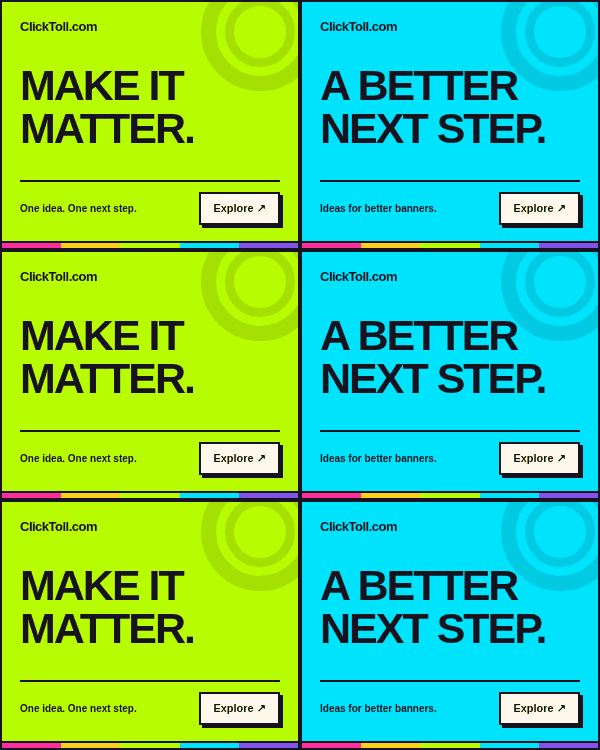
Exact 300 px wide × 250 px high, including the border. No resizing. Scroll the preview when needed.
One idea. A stronger hierarchy.

Exact 320 px wide × 100 px high, including the border. No resizing. Scroll the preview when needed.
Small canvas. Clear next step.
03 / The campaign desk
Put the creative in context: the audience, the technology, the offer, and the outcome.
Build a clear offer, choose your canvas, and connect the creative to its destination.
Explore the guide ↗Understand the buyers, sellers, delivery systems, and signals behind an impression.
Explore the guide ↗Pair useful offers with relevant placements and understandable commercial relationships.
Explore the guide ↗Move beyond click counts to qualification, landing-page clarity, and useful follow-up.
Explore the guide ↗Write the campaign’s job before writing its headline. Decide who it helps and what happens next.
Readability, dimensions, file weight, and the destination all belong in the brief.
Keep engagement, qualified leads, and completed outcomes distinct when you review results.
04 / ClickToll Field Notes
Long-form guides for people who plan, design, publish, and measure display campaigns.
Start with a clear offer, choose a practical format set, and connect every click to a campaign you can evaluate.
Read the field note
Connect the creative promise to qualification, landing-page clarity, follow-up ownership, and real business conversations.
Read the field note
Meet the buyer, seller, auction, ad server, and reporting layers without losing sight of the campaign’s purpose.
Read the field note
Review program terms, match offers to reader needs, place disclosures clearly, and measure approved commissions.
Read the field note
Create a shared naming convention, maintain a link register, and test campaign destinations without exposing personal data.
Read the field note
Plan a focused experiment, choose the primary outcome, keep the comparison fair, and report uncertainty honestly.
Read the field note05 / A good place to start
Not sure whether you need a format, a workflow, or a definition? Start here, then follow the reference that fits the job.
A practical reference for banner formats, display advertising, adtech, affiliate marketing, and lead generation. Start with the size library or a long-form field note.
Start with the placements accepted by your publisher or buying platform. Choose a small verified set, then compose the message for each canvas instead of stretching one image.
Every size includes an exact-dimension CSS example and a real animated GIF download. Use the editable source or blank SVG to adapt the creative, then check the receiving platform’s delivery requirements.
Connect a specific offer to a relevant destination, define a qualified inquiry, and assign ownership for follow-up. Review the whole journey rather than treating every click as a lead.
Review the program terms, audience fit, destination, and commercial relationship. Keep relevant disclosures close to the recommendation and evaluate approved outcomes rather than pending commissions.