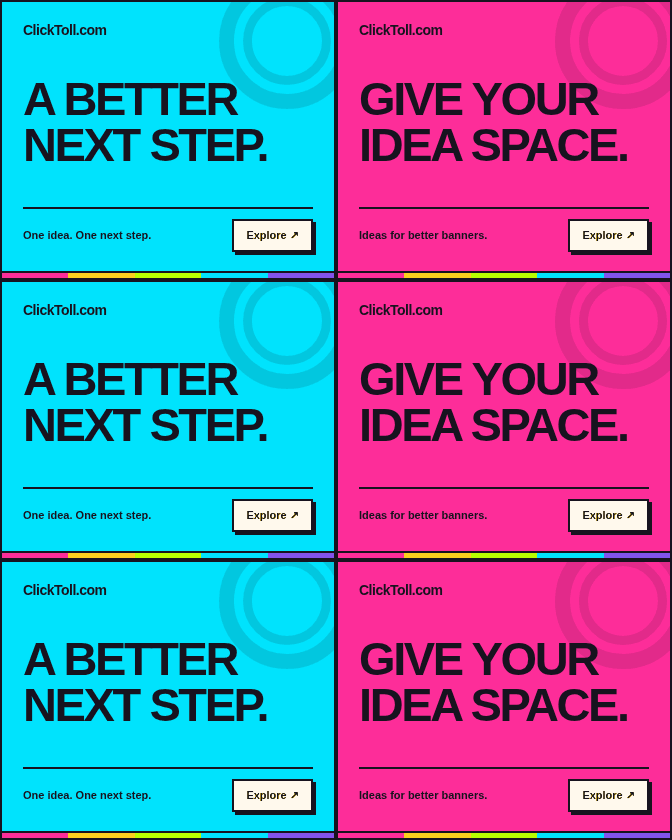
Medium rectangle
300 × 250Exact 300 px wide × 250 px high, including the border. No resizing. Scroll the preview when needed.
A near-square composition for a clear headline, a recognizable visual, and one next step.
Size guide + source code ↗Banner ads | Ad sizes | Display advertising | Adtech | Affiliate marketing | Lead generation
The gallery / Format meets focus
Browse original ClickToll concepts in CSS and real animated GIF files. Every rectangle, tall unit, leaderboard, and mobile banner is displayed at its exact dimensions.
Exact 300 px wide × 250 px high, including the border. No resizing. Scroll the preview when needed.
A near-square composition for a clear headline, a recognizable visual, and one next step.
Size guide + source code ↗Exact 336 px wide × 280 px high, including the border. No resizing. Scroll the preview when needed.
A slightly larger rectangular composition for an offer that needs a little more breathing room.
Size guide + source code ↗Exact 728 px wide × 90 px high, including the border. No resizing. Scroll the preview when needed.
A wide, shallow canvas that calls for concise copy and a deliberate left-to-right reading order.
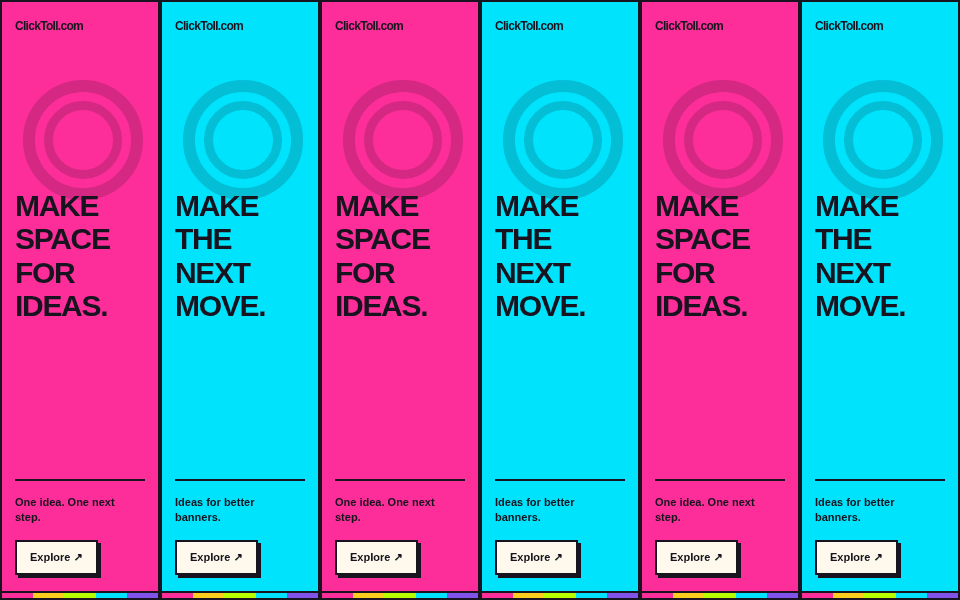
Size guide + source code ↗Exact 160 px wide × 600 px high, including the border. No resizing. Scroll the preview when needed.
A tall, narrow canvas for short lines, strong contrast, and a readable vertical hierarchy.
Size guide + source code ↗Exact 300 px wide × 600 px high, including the border. No resizing. Scroll the preview when needed.
A roomier vertical format for a composed sequence of brand, promise, proof, and action.
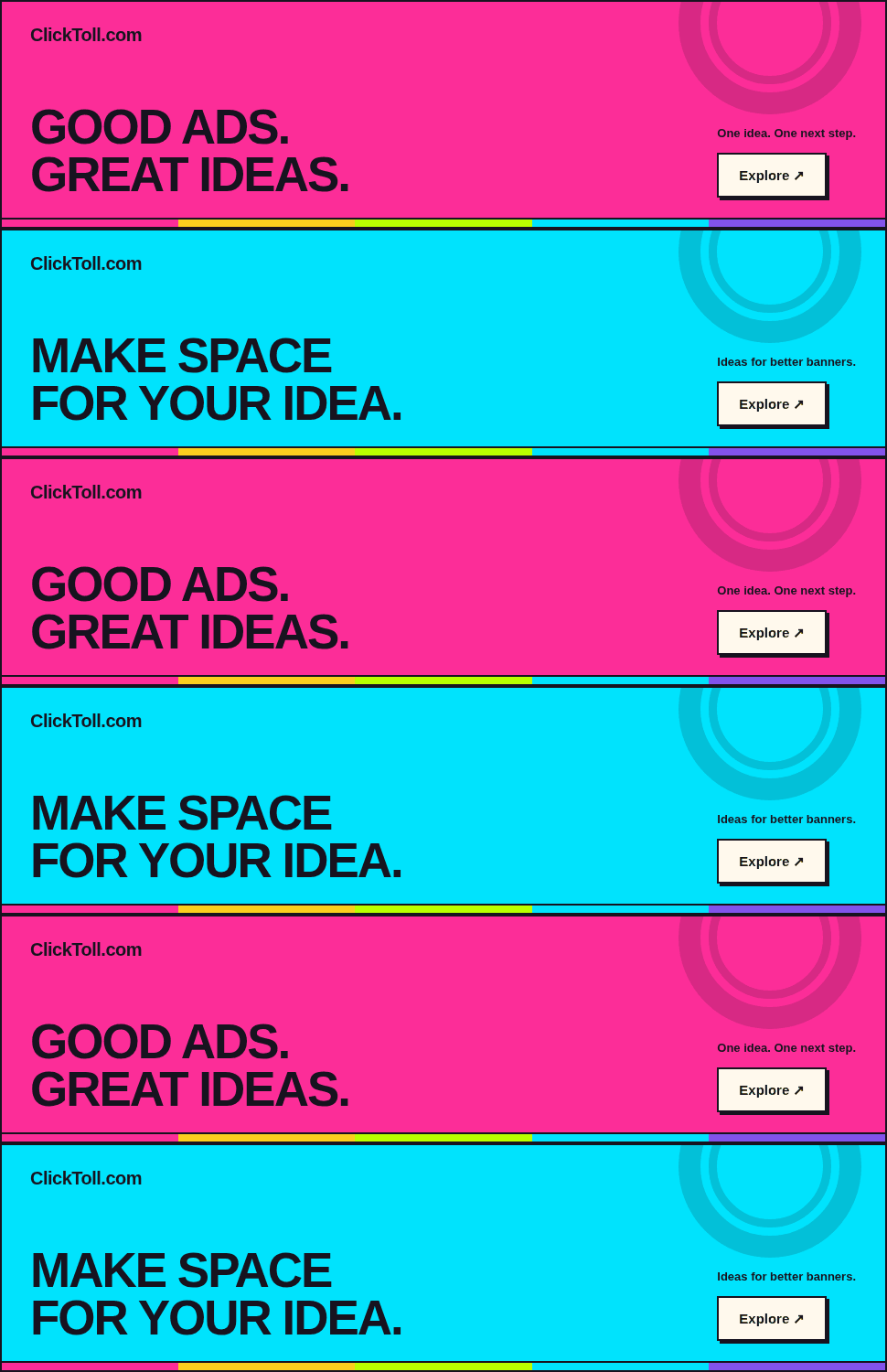
Size guide + source code ↗Exact 970 px wide × 250 px high, including the border. No resizing. Scroll the preview when needed.
A broad, substantial canvas for a short headline, one visual idea, and a clearly signposted destination.
Size guide + source code ↗Exact 320 px wide × 50 px high, including the border. No resizing. Scroll the preview when needed.
A compact mobile canvas that favors a short promise and unmistakable brand recognition.
Size guide + source code ↗Exact 300 px wide × 50 px high, including the border. No resizing. Scroll the preview when needed.
A narrow mobile strip for a very concise message, delivered at the exact requested dimensions.
Size guide + source code ↗Exact 320 px wide × 100 px high, including the border. No resizing. Scroll the preview when needed.
A taller mobile banner with space to separate the main message from its supporting brand and action.
Size guide + source code ↗All CSS and GIF examples are displayed at 1:1 CSS-pixel size. Borders are included in the stated dimensions. Wide units scroll inside their preview instead of being squeezed or stretched.
A format tells you the shape of a creative. It does not settle the file type, package weight, click handling, animation limits, or publisher approval process. Keep the destination’s delivery instructions beside the artboard.
The IAB Tech Lab’s New Ad Portfolio includes flexible, aspect-ratio-based guidance. This library is a fixed-size reference, not a claim that these nine formats are the entire IAB portfolio. Specific platforms continue to publish their own accepted creative dimensions.
Confirm where the campaign will run and which formats are accepted before building a large asset set. Use the composition notes on each format page, then review the delivery checklist. Recompose the message for a new shape instead of stretching a finished image.