The creative lab / CSS ad units

A tiny canvas. A useful experiment.

Nine fixed-size CSS banner examples, each with a matching animated GIF. Inspect the editable HTML and CSS, compare both formats, and download the exact canvas you need.

Nine sizes / Two real formats

Same canvas.
CSS + animated GIF.

Every example below is displayed at its exact pixel dimensions. Switch between CSS and GIF, then press Play. Both versions use the same three-scene creative and finish after 18 seconds.

Medium rectangle

300 × 250
1:1 · 300 × 250 px
3 scenes · 18 seconds

Exact 300 px wide × 250 px high, including the border. No resizing. Scroll the preview when needed.

A near-square composition for a clear headline, a recognizable visual, and one next step.

Size guide + source code ↗

Large rectangle

336 × 280
1:1 · 336 × 280 px
3 scenes · 18 seconds

Exact 336 px wide × 280 px high, including the border. No resizing. Scroll the preview when needed.

A slightly larger rectangular composition for an offer that needs a little more breathing room.

Size guide + source code ↗

Leaderboard

728 × 90
1:1 · 728 × 90 px
3 scenes · 18 seconds

Exact 728 px wide × 90 px high, including the border. No resizing. Scroll the preview when needed.

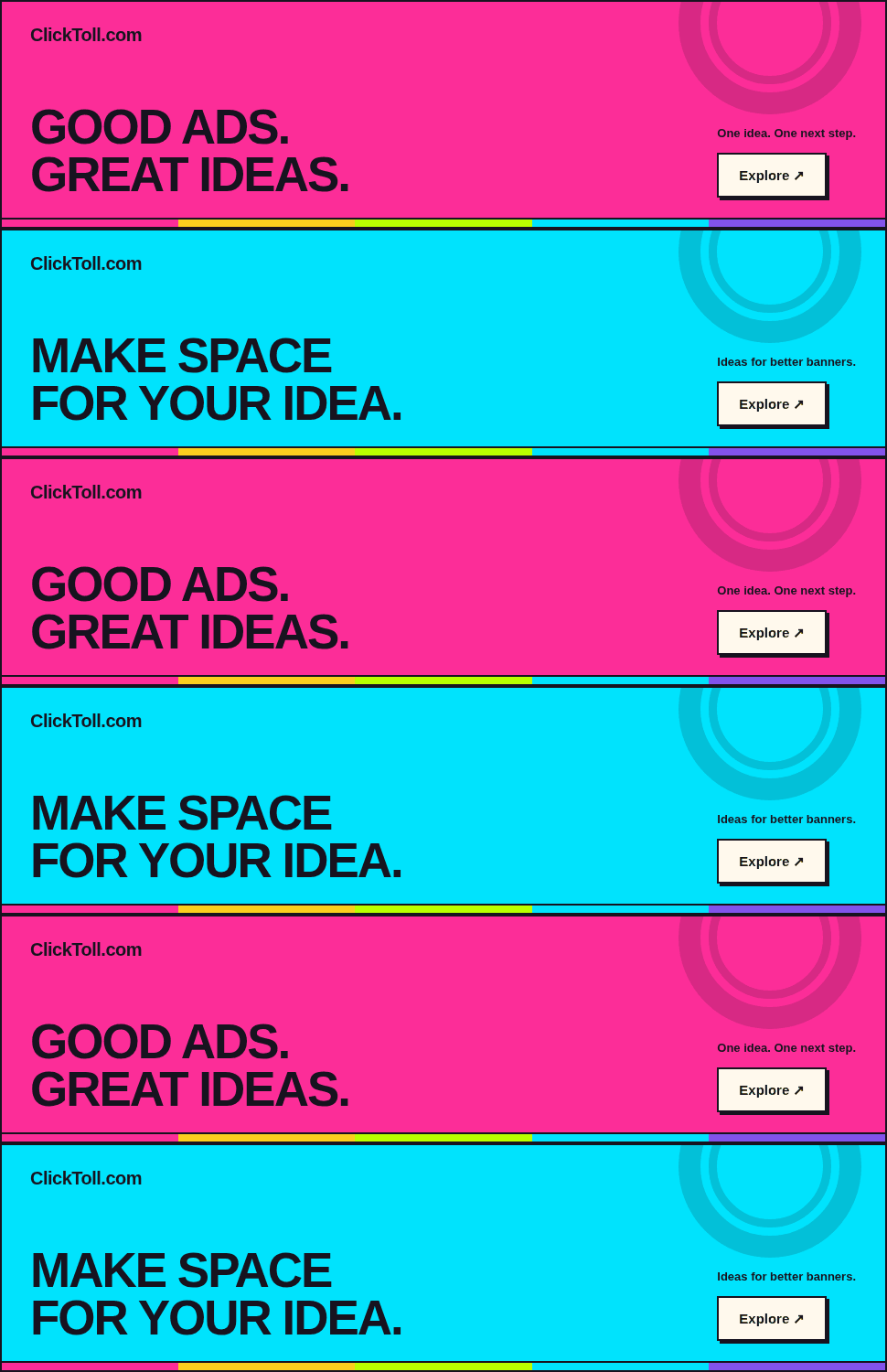
A wide, shallow canvas that calls for concise copy and a deliberate left-to-right reading order.

Size guide + source code ↗

Wide skyscraper

160 × 600
1:1 · 160 × 600 px
3 scenes · 18 seconds

Exact 160 px wide × 600 px high, including the border. No resizing. Scroll the preview when needed.

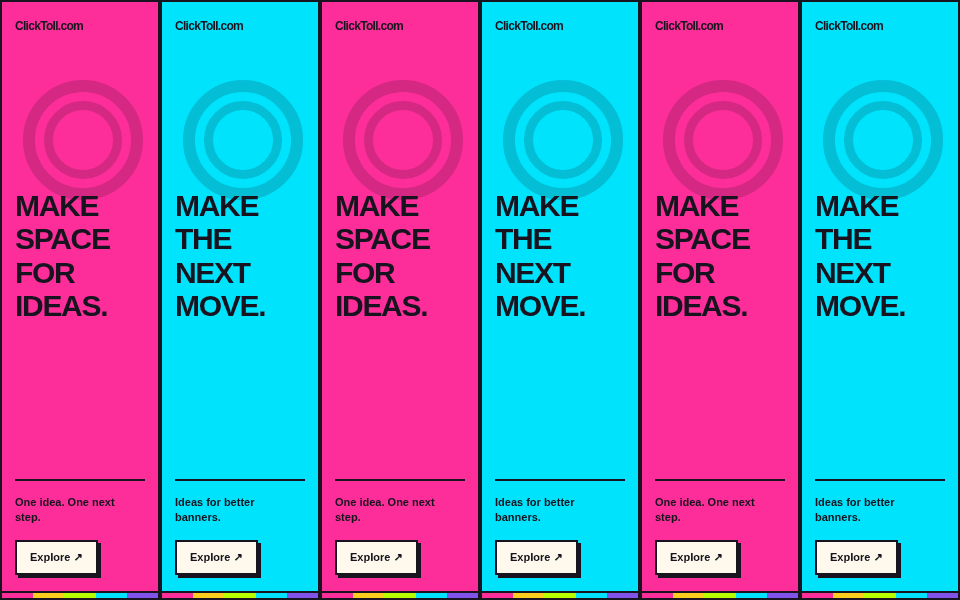
A tall, narrow canvas for short lines, strong contrast, and a readable vertical hierarchy.

Size guide + source code ↗

Half page

300 × 600
1:1 · 300 × 600 px
3 scenes · 18 seconds

Exact 300 px wide × 600 px high, including the border. No resizing. Scroll the preview when needed.

A roomier vertical format for a composed sequence of brand, promise, proof, and action.

Size guide + source code ↗

Billboard

970 × 250
1:1 · 970 × 250 px
3 scenes · 18 seconds

Exact 970 px wide × 250 px high, including the border. No resizing. Scroll the preview when needed.

A broad, substantial canvas for a short headline, one visual idea, and a clearly signposted destination.

Size guide + source code ↗

Mobile banner

320 × 50
1:1 · 320 × 50 px
3 scenes · 18 seconds

Exact 320 px wide × 50 px high, including the border. No resizing. Scroll the preview when needed.

A compact mobile canvas that favors a short promise and unmistakable brand recognition.

Size guide + source code ↗

Compact mobile banner

300 × 50
1:1 · 300 × 50 px
3 scenes · 18 seconds

Exact 300 px wide × 50 px high, including the border. No resizing. Scroll the preview when needed.

A narrow mobile strip for a very concise message, delivered at the exact requested dimensions.

Size guide + source code ↗

Large mobile banner

320 × 100
1:1 · 320 × 100 px
3 scenes · 18 seconds

Exact 320 px wide × 100 px high, including the border. No resizing. Scroll the preview when needed.

A taller mobile banner with space to separate the main message from its supporting brand and action.

Size guide + source code ↗

Understand the structure

Each standalone example uses one linked container with an explicit width and height, border-box sizing, and three absolutely positioned CSS scenes. The border stays inside the declared dimensions. CSS keyframes provide the animation without an animation library; the viewer controls only start or stop it.

Make the destination explicit

Each creative links to the ClickToll display advertising guide. The link has a meaningful accessible name that is independent of the animation. Change the destination, accessible name, and visible action together when adapting the source.

Inspect the code

Open any size guide for its complete copyable HTML/CSS source and animated GIF embed. Every format also has a standalone HTML file, a CSS stylesheet, a text source file, and a combined download. These examples have no remote font, image, or animation-library dependencies.

View the 300 × 250 HTML + CSS source
<!DOCTYPE html>
<html lang="en"><head><meta charset="utf-8"><meta name="viewport" content="width=device-width, initial-scale=1"><meta name="robots" content="noindex,follow"><meta name="ad.size" content="width=300,height=250"><title>ClickToll 300 × 250 CSS banner example</title><style>
/* ClickToll original creative. Dimensions are the OUTER border box, in CSS pixels. */
*,*::before,*::after{box-sizing:border-box}
html,body{margin:0;padding:0;width:300px;height:250px;background:#fff9ed}
.ct-creative{position:relative;display:block;width:300px;min-width:300px;max-width:300px;height:250px;min-height:250px;max-height:250px;overflow:hidden;isolation:isolate;border:2px solid #17131f;color:#17131f;text-decoration:none;font-family:Arial,Helvetica,sans-serif;line-height:1;contain:layout paint}
.ct-creative:focus-visible{outline:3px solid #17131f;outline-offset:-5px}
.ct-scene{position:absolute;inset:0;display:flex;flex-direction:column;justify-content:space-between;padding:18px 18px 23px;overflow:hidden;background:#b9ff00;opacity:0;animation-duration:6s;animation-timing-function:steps(1,end);animation-iteration-count:3;animation-fill-mode:both}
.ct-scene:nth-child(1){animation-name:ct-first}
.ct-scene:nth-child(2){animation-name:ct-second}
.ct-scene:nth-child(3){animation-name:ct-third}
.ct-lime{background:#b9ff00}.ct-pink{background:#ff2e9a}.ct-cyan{background:#00e5ff}.ct-yellow{background:#ffd21f}
.ct-brand{position:relative;z-index:2;display:block;font-size:13px;font-weight:900;letter-spacing:-.5px;white-space:nowrap}
.ct-copy{position:relative;z-index:2;display:block;font-family:'Arial Black',Arial,Helvetica,sans-serif;font-weight:900;font-size:43px;line-height:.98;letter-spacing:-2px;text-transform:uppercase;white-space:pre-line}
.ct-bottom{position:relative;z-index:2;display:flex;align-items:center;justify-content:space-between;gap:8px;border-top:2px solid #17131f;padding-top:10px}
.ct-caption{font-size:10px;font-weight:700;line-height:1.3;max-width:132px}
.ct-cta{display:block;flex-shrink:0;padding:9px 12px;background:#fff9ed;border:2px solid #17131f;box-shadow:3px 3px 0 #17131f;font-size:11px;font-weight:900;white-space:nowrap}
.ct-rainbow{position:absolute;bottom:0;left:0;right:0;height:7px;border-top:2px solid #17131f;background:linear-gradient(90deg,#ff2e9a 0 20%,#ffd21f 20% 40%,#b9ff00 40% 60%,#00e5ff 60% 80%,#8253eb 80%)}
.ct-art{position:absolute;right:-21px;top:-29px;width:118px;height:118px;border:15px solid #17131f;border-radius:50%;opacity:.12;pointer-events:none}
.ct-art::after{content:'';position:absolute;inset:9px;border:9px solid #17131f;border-radius:50%}
@keyframes ct-first{0%,33.332%{opacity:1}33.333%,100%{opacity:0}}
@keyframes ct-second{0%,33.332%{opacity:0}33.333%,66.665%{opacity:1}66.666%,100%{opacity:0}}
@keyframes ct-third{0%,66.665%{opacity:0}66.666%,100%{opacity:1}}
html[data-paused] .ct-scene{animation-play-state:paused}
html[data-frame] .ct-scene{animation:none!important;opacity:0!important}
html[data-frame="0"] .ct-scene:nth-child(1),html[data-frame="1"] .ct-scene:nth-child(2),html[data-frame="2"] .ct-scene:nth-child(3){opacity:1!important}
@media(prefers-reduced-motion:reduce){.ct-scene{animation:none!important;opacity:0}.ct-scene:nth-child(3){opacity:1}}


</style></head><body><a class="ct-creative" href="https://clicktoll.com/display-advertising/" target="_top" aria-label="Explore the ClickToll display advertising guide"><span class="ct-scene ct-lime" aria-hidden="true"><span class="ct-brand">ClickToll.com</span><span class="ct-art"></span><strong class="ct-copy">MAKE IT
MATTER.</strong><span class="ct-bottom"><span class="ct-caption">One idea. One next step.</span><span class="ct-cta">Explore ↗</span></span><span class="ct-rainbow"></span></span><span class="ct-scene ct-yellow" aria-hidden="true"><span class="ct-brand">ClickToll.com</span><span class="ct-art"></span><strong class="ct-copy">ONE CLEAR
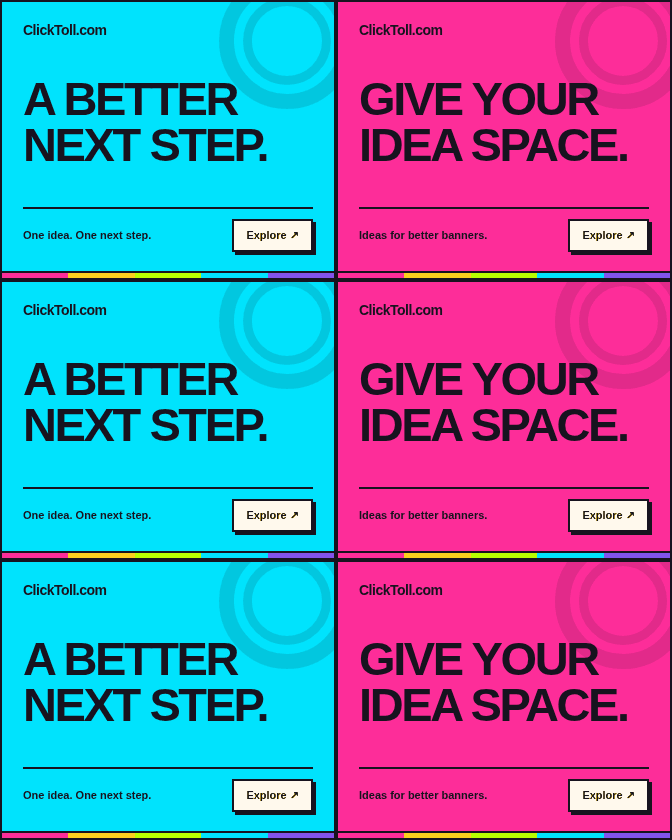
PROMISE.</strong><span class="ct-bottom"><span class="ct-caption">Keep the promise clear.</span><span class="ct-cta">Explore ↗</span></span><span class="ct-rainbow"></span></span><span class="ct-scene ct-cyan" aria-hidden="true"><span class="ct-brand">ClickToll.com</span><span class="ct-art"></span><strong class="ct-copy">A BETTER
NEXT STEP.</strong><span class="ct-bottom"><span class="ct-caption">Ideas for better banners.</span><span class="ct-cta">Explore ↗</span></span><span class="ct-rainbow"></span></span></a><script>
/* Playback controls affect CSS keyframes; no image or animation framework is required. */
(()=>{'use strict';const root=document.documentElement;
const preview=new URLSearchParams(location.search).has('preview');
if(preview){root.setAttribute('data-paused','');root.setAttribute('data-frame','0');}
window.addEventListener('message',event=>{
 if(event.source!==parent||event.origin!==location.origin||!event.data||event.data.type!=='clicktoll-banner')return;
 const action=event.data.action;
 if(action==='play'){
  root.setAttribute('data-frame','0');void document.body.offsetWidth;
  root.removeAttribute('data-frame');root.removeAttribute('data-paused');
 }else if(action==='stop'){
  root.setAttribute('data-paused','');root.setAttribute('data-frame','2');
 }else if(action==='reset'){
  root.setAttribute('data-paused','');root.setAttribute('data-frame','0');
 }
});})();
</script></body></html>

Adapt the idea, not just the dimensions

A rectangle’s composition should not simply be squashed into a leaderboard. Revisit the headline length, hierarchy, and action for each canvas. Compare the wide and mobile formats before building the next version.

Prepare a production deliverable separately

This is an editable web prototype. A receiving ad platform may require a specific package structure, dimensions, click handling, asset policy, or account eligibility. Use the specifications guide to check those requirements before treating the example as a campaign upload.

Explore controlled motion

Every CSS example has a matching real GIF exported from the same three creative scenes. Each scene lasts two seconds and the sequence repeats three times, ending after 18 seconds. Play restarts the selected version; Stop displays its final frame. Reduced-motion preferences keep previews still.